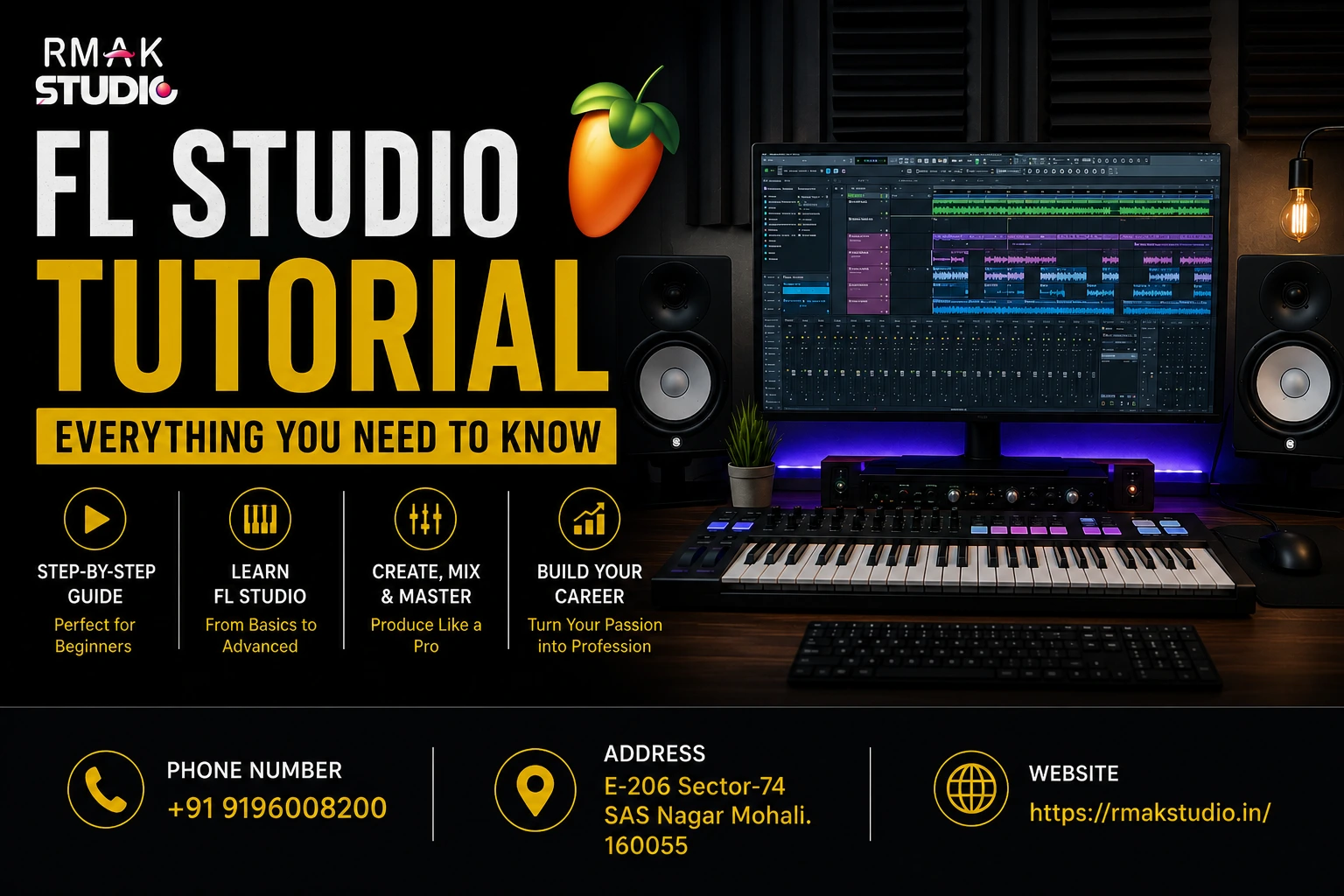
FL Studio Tutorial is one of the most searched topics by aspiring music producers, DJs, and beat makers who want to learn modern music production. If you’re completely new to creating music, FL Studio provides one of the easiest ways to transform your musical ideas into professional-quality tracks.
Whether you dream of producing EDM, Hip-Hop, Bollywood, Trap, House, Lo-Fi, or Pop music, learning FL Studio is an excellent first step. The software combines powerful production tools with a beginner-friendly workflow, making it popular among both new producers and experienced professionals.
In this FL Studio Beginner Guide, you’ll learn everything from installing the software and understanding its interface to creating your first beat and building confidence as a music producer. If you’ve been wondering where to start, this guide will walk you through the process step by step.
What Is FL Studio?
FL Studio is a professional Digital Audio Workstation (DAW) developed by Image-Line. It allows musicians, producers, DJs, composers, and audio creators to record, arrange, edit, mix, and master music using a single software platform.
Originally introduced as FruityLoops, FL Studio has evolved into one of the world’s most widely used music production applications. Today, it powers the creative workflow of countless independent artists and professional producers across multiple genres.
Inside FL Studio, you can:
- Create original beats
- Record vocals and instruments
- Arrange complete songs
- Edit MIDI performances
- Mix and master tracks
- Design custom sounds
- Use virtual instruments
- Apply professional audio effects
- Export music for streaming platforms
Its flexibility makes it suitable for beginners while offering advanced features that professionals continue to rely on.
Why Is FL Studio So Popular?
One reason so many creators choose FL Studio is its balance between simplicity and professional capability. New users can start producing music without feeling overwhelmed, while experienced producers have access to powerful tools for complex projects.
Some of the biggest reasons people choose FL Studio include:
- Beginner-friendly interface
- Excellent Piano Roll for MIDI editing
- Powerful built-in instruments
- Extensive plugin support
- Fast workflow
- Lifetime free software updates
- Large global community
- Thousands of tutorials and learning resources
Another major advantage is that FL Studio continues to receive regular updates, introducing new creative tools and performance improvements without requiring paid upgrades for existing users.
Who Should Learn FL Studio?
One of FL Studio’s biggest strengths is its versatility. It isn’t designed for just one type of musician.
Learning FL Studio can benefit:
Beginner Music Producers
If you’ve never produced music before, FL Studio offers a visual workflow that’s relatively easy to understand. You can begin experimenting with beats, melodies, and rhythms without needing years of technical experience.
DJs
Many DJs use FL Studio to create:
- Mashups
- Remixes
- Intro edits
- Bootlegs
- Original tracks
- Live performance edits
Producing your own music can help you develop a unique sound and stand out as a performer.
Singers and Songwriters
Artists can use FL Studio to create demo tracks, record vocals, experiment with melodies, and prepare songs before professional release.
Beat Makers
Hip-Hop, Trap, Drill, and Lo-Fi producers frequently choose FL Studio because of its fast pattern-based workflow and industry-leading Piano Roll.
Content Creators
YouTubers, filmmakers, game developers, and podcast creators can use FL Studio to produce background music, jingles, intros, and sound effects for their projects.
What Can You Create Using FL Studio?
Once you become familiar with the software, you’ll be able to produce a wide range of audio content.
Popular projects include:
- Electronic Dance Music (EDM)
- Hip-Hop beats
- Trap instrumentals
- Lo-Fi music
- Bollywood productions
- Pop songs
- Background music
- Podcast intros
- Soundtracks
- Commercial jingles
- Remix projects
- DJ edits
- YouTube music
- Video game audio
The possibilities continue to expand as your production skills improve.
System Requirements Before Installing FL Studio
Before downloading FL Studio, make sure your computer meets the recommended specifications for smooth performance.
For the best experience, consider:
- A modern multi-core processor
- At least 8 GB of RAM (16 GB recommended for larger projects)
- SSD storage for faster loading
- Quality headphones or studio monitors
- An audio interface (optional but recommended)
- A MIDI keyboard (optional for easier music creation)
Although FL Studio can run on modest hardware, better equipment provides a smoother production experience when working on complex projects.
Installing FL Studio
Getting started with FL Studio is straightforward.
After downloading the software from the official website:
- Install the application.
- Choose the appropriate edition for your needs.
- Complete the installation process.
- Launch the software.
- Configure your audio settings.
- Select your preferred audio driver.
- Create your first project.
Taking a few minutes to configure your audio settings correctly can help reduce latency and improve recording performance.
Understanding the FL Studio Interface
When you open FL Studio for the first time, you may notice several windows on the screen. Although it can appear overwhelming initially, each section has a specific purpose.
Learning these core areas will make your workflow much easier.
Channel Rack
The Channel Rack is where patterns begin. Every instrument, drum sample, or virtual plugin you add appears here.
Most beginners start by building drum patterns using:
- Kick
- Snare
- Clap
- Hi-hats
- Percussion
These patterns later become the foundation of a complete song.
Playlist
The Playlist is where your music takes shape.
After creating patterns, you arrange them into verses, choruses, intros, drops, and outros by placing them across the timeline.
Think of the Playlist as the canvas where your final song is assembled.
Piano Roll
The Piano Roll is widely regarded as one of FL Studio’s strongest features.
It allows you to:
- Write melodies
- Create chords
- Edit notes
- Adjust timing
- Control velocity
- Build basslines
Because of its flexibility, many professional producers prefer FL Studio specifically for its MIDI editing capabilities.
Mixer
The Mixer controls the sound of your project.
Here you can:
- Adjust volume
- Pan instruments
- Add EQ
- Compress sounds
- Apply reverb
- Use delay
- Insert creative effects
A well-balanced mix helps every instrument sit clearly within the track.
Browser
The Browser stores everything you’ll need throughout production.
It contains:
- Samples
- Drum kits
- Instruments
- Presets
- Audio recordings
- Project files
- Plugin libraries
Keeping your Browser organized can significantly speed up your workflow.
Creating Your First Project
The best way to Learn FL Studio is by creating something simple rather than trying to produce a complete commercial track on your first day.
Start by:
- Opening a new project.
- Loading a drum kit.
- Creating a basic kick and snare pattern.
- Adding hi-hats.
- Choosing a virtual instrument.
- Writing a simple melody.
- Adding a bassline.
- Arranging your patterns in the Playlist.
- Adjusting levels in the Mixer.
- Saving your project regularly.
Your first project doesn’t have to be perfect. The goal is to become familiar with the workflow and understand how different parts of FL Studio work together.
As you continue practicing, each new project will help you build confidence and improve your music production skills.
Creating Your First Beat in FL Studio
One of the most exciting parts of any FL Studio Tutorial is creating your very first beat. Anyone with an interest in music can start exploring FL Studio from the basics. By understanding a few basic concepts and experimenting with different sounds, you’ll quickly become familiar with the workflow.
Here’s a simple approach to creating your first beat.
Step 1: Start a New Project
Open FL Studio and create a blank project. This gives you a clean workspace without unnecessary patterns or plugins.
Step 2: Add Drum Sounds
Drag a few drum samples into the Channel Rack, such as:
- Kick
- Snare
- Closed Hi-Hat
- Open Hi-Hat
- Clap
These sounds form the rhythm section of your track.
Step 3: Create a Drum Pattern
Use the Step Sequencer to arrange your drum sounds.
A basic rhythm might include:
- Kick on the first beat
- Snare on the second and fourth beats
- Hi-hats throughout the pattern
Listen carefully and adjust the rhythm until it feels natural.
Step 4: Add a Melody
Choose a virtual instrument from FL Studio’s library and open the Piano Roll.
Start with a simple melody using only a few notes. Keeping your melody straightforward makes it easier to understand how different notes work together.
Step 5: Add a Bassline
Bass adds depth and energy to your track.
Create a bass pattern that complements your kick drum rather than competing with it. A clean low end will make your music sound more balanced.
Step 6: Arrange Your Track
Move to the Playlist and arrange your patterns into a song structure.
A beginner-friendly arrangement could look like this:
- Intro
- Verse
- Chorus
- Bridge
- Chorus
- Outro
Don’t worry about making a perfect song—focus on learning the workflow.
Understanding the Piano Roll
If there’s one feature that makes FL Studio stand out, it’s the Piano Roll.
Many producers consider it one of the most powerful MIDI editors available because it provides complete control over your melodies and chord progressions.
With the Piano Roll, you can:
- Draw notes with precision
- Create chords
- Build basslines
- Adjust note length
- Edit timing
- Change note velocity
- Experiment with scales
As you continue to Learn FL Studio, you’ll spend a significant amount of time working in the Piano Roll, so becoming comfortable with it early is highly beneficial.
Understanding the Mixer
The Mixer is where individual sounds come together to create a balanced mix.
Each instrument can be assigned to its own Mixer channel, allowing you to process sounds independently.
Some of the most common adjustments include:
Volume
Balance the loudness of each instrument so nothing overpowers the mix.
Panning
Position sounds slightly to the left or right to create a wider stereo image.
Equalization (EQ)
Use EQ to remove unwanted frequencies and make room for each instrument.
Compression
Compression helps control dynamic range, making performances sound more consistent.
Reverb
Reverb adds depth and creates a sense of space.
Avoid excessive reverb, especially on drums and vocals.
Delay
Delay repeats audio at timed intervals, adding movement and atmosphere.
Use it creatively but sparingly.
Essential FL Studio Plugins Every Beginner Should Know
FL Studio includes many built-in plugins that are more than capable of producing professional-quality music.
Here are a few worth exploring.
FLEX
FLEX includes a wide collection of preset sounds that allow beginners to start creating music quickly without spending time on complex sound design.
Sytrus
Sytrus is a versatile synthesizer suitable for:
- Leads
- Pads
- Bass
- Plucks
- Experimental sounds
Although it has advanced capabilities, beginners can start with its preset library.
Fruity Parametric EQ 2
One of the most widely used mixing plugins in FL Studio.
It helps shape your sounds and remove unnecessary frequencies.
Fruity Compressor
Useful for controlling volume peaks and creating a smoother overall mix.
Fruity Reverb 2
A popular plugin for adding realistic ambience and depth.
Fruity Delay 3
Ideal for creating echoes and enhancing melodies, vocals, and effects.
Recording Vocals in FL Studio
FL Studio isn’t just for beat making.
You can also record:
- Vocals
- Guitar
- Piano
- Live instruments
- Podcasts
- Voice-overs
To begin recording:
- Connect your microphone.
- Select the correct input in your audio settings.
- Arm a Mixer track for recording.
- Press Record.
- Perform your recording.
- Save multiple takes if needed.
Using a quality microphone and a quiet recording environment can significantly improve the final result.
Organizing Your Projects
One habit that separates experienced producers from beginners is organization.
Create folders for:
- Project files
- Audio recordings
- Drum kits
- Samples
- Plugins
- Exports
Consistent organization saves time and prevents lost files as your music library grows.
Keyboard Shortcuts Every Beginner Should Learn
Learning a few shortcuts can speed up your workflow.
Useful examples include:
- Play / Stop
- Undo
- Save Project
- Zoom In
- Zoom Out
- Cut
- Copy
- Paste
Instead of trying to remember every shortcut immediately, become familiar with them naturally through regular use.
Common Beginner Mistakes in FL Studio
Every music producer makes mistakes when starting.
Recognizing them early can help you improve more quickly.
Trying to Learn Everything at Once
FL Studio includes many features, but you don’t need to master every tool immediately.
Focus on one skill at a time.
Ignoring Music Theory
You can certainly create music without formal theory knowledge, but understanding scales, chords, rhythm, and song structure will make composing much easier.
Overusing Plugins
Many beginners believe more plugins automatically create better music.
In reality, a clean arrangement and thoughtful sound selection often produce better results than excessive processing.
Copying Other Producers Exactly
Studying successful producers is valuable, but developing your own style is what helps your music stand out.
Use tutorials for learning, not imitation.
Not Finishing Projects
Starting new ideas is exciting, but finishing songs teaches arrangement, mixing, and problem-solving.
Even if a project isn’t perfect, completing it builds valuable experience.
Practical Tips to Learn FL Studio Faster
Improving your production skills doesn’t happen overnight, but consistent practice makes a noticeable difference.
Here are a few habits that can accelerate your progress.
Practice Every Week
Consistent practice, even in shorter sessions, usually leads to better long-term progress than studying for many hours only once in a while.
Analyze Professional Tracks
Listen carefully to songs you enjoy and pay attention to:
- Drum patterns
- Melodies
- Basslines
- Arrangement
- Effects
- Mixing
Understanding how professional tracks are structured will improve your own productions.
Experiment Without Fear
Don’t be afraid to test new sounds, instruments, or workflows.
Creative experimentation often leads to unexpected discoveries.
Learn One Feature at a Time
Rather than trying to master every tool in FL Studio simultaneously, focus on individual topics like:
- Piano Roll
- Mixer
- Automation
- Recording
- Arrangement
This step-by-step approach makes learning more manageable.
Keep Creating Music
The best way to Learn FL Studio is through consistent hands-on experience.
Every beat, melody, and project teaches something new. Over time, you’ll develop your own workflow and gain confidence using the software.
Why Learn FL Studio at RMAK Studio?
Learning from videos and online tutorials is a great way to begin your music production journey. However, many beginners eventually reach a point where they need structured guidance, practical feedback, and hands-on experience with professional equipment. That’s where joining a Music Production Course can make a significant difference.
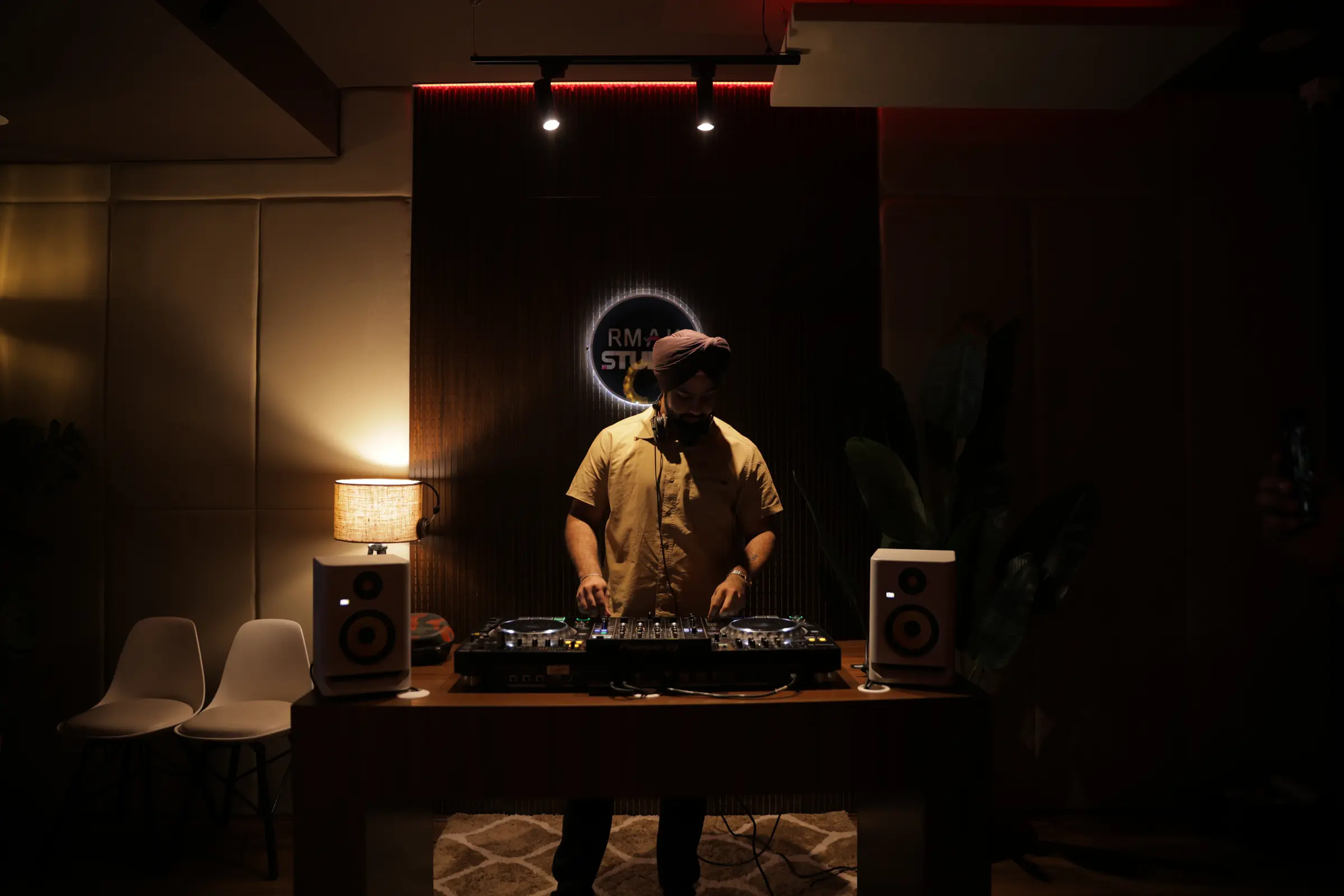
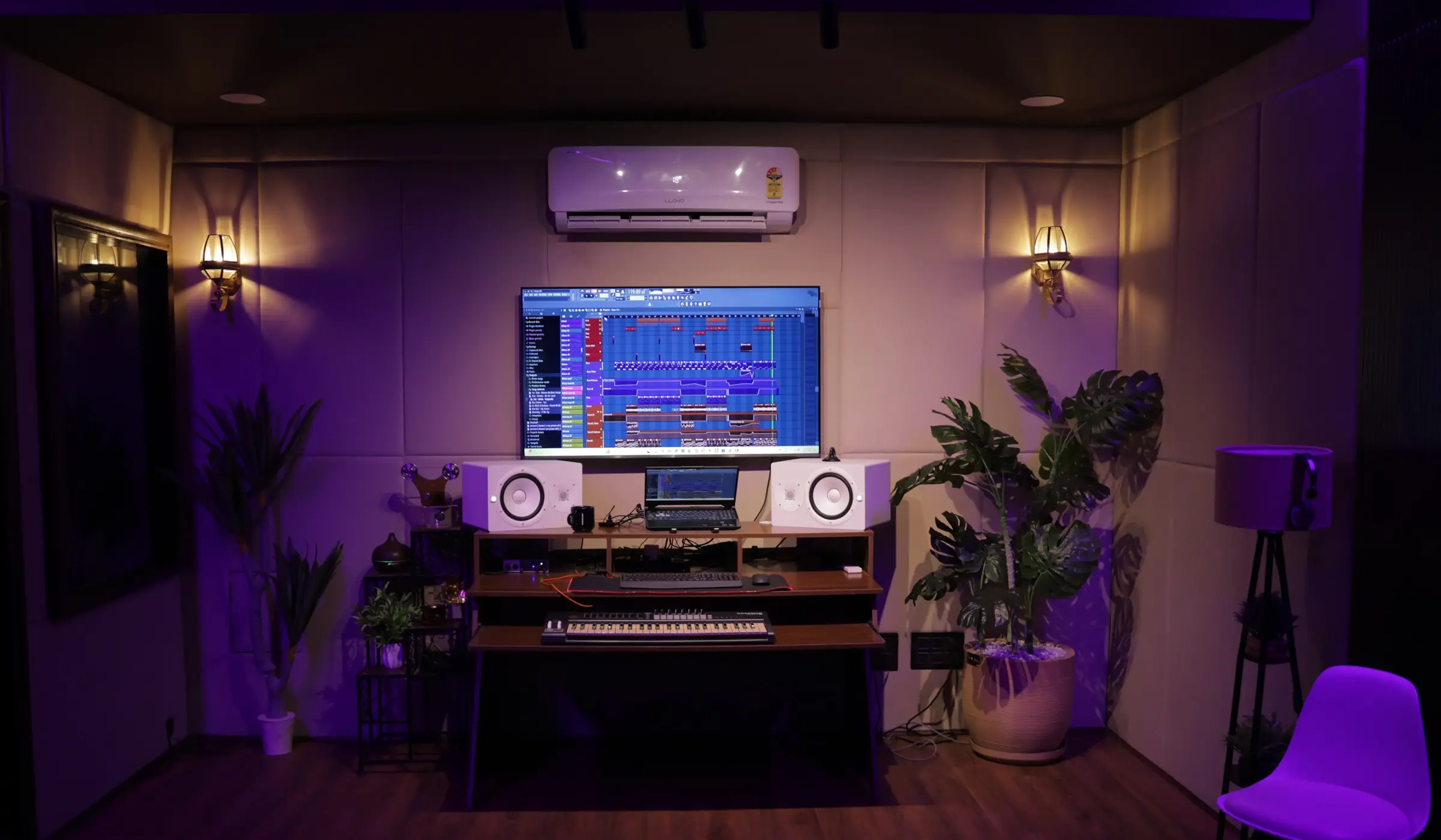
At RMAK Studio, we provide practical training designed to help aspiring producers understand every stage of music production. Instead of only watching tutorials, students create real projects while learning from experienced mentors in a professional studio environment.
Our Music Production Courses is suitable for beginners as well as creators looking to improve their production workflow. Students from Mohali, Chandigarh, Panchkula, Zirakpur, Kharar, and across the Tricity region join us to develop practical skills using industry-standard software such as FL Studio and Ableton Live.
During the course, students learn:
- FL Studio workflow
- Beat making
- Melody composition
- Arrangement
- Sound design
- Recording vocals
- Mixing
- Mastering
- Remix production
- Exporting professional-quality tracks
Whether your goal is to become a music producer, DJ, independent artist, or content creator, practical learning helps you progress faster than relying on theory alone.
Continue Your Learning Journey
After completing this FL Studio Tutorial, continue improving your skills by exploring these helpful resources on RMAK Studio.
You May Also Like
- FL Studio or Ableton Live: Which DAW Should Beginners Choose?
- How to Make a Mashup: Step-by-Step Beginner’s Guide
- Best DJ Course in Chandigarh: What to Look for Before You Enroll
- Podcast Studio Rent: The Complete Guide to Choosing the Right Recording Space
- Studio Services
These guides will help you strengthen your music production knowledge and discover additional creative opportunities.
Final Thoughts
Learning FL Studio is one of the best investments you can make if you’re passionate about music production. The software offers everything needed to compose melodies, create beats, record vocals, arrange songs, and produce professional-quality tracks from a single platform.
Don’t worry about mastering every feature immediately. Focus on building a strong foundation, practicing consistently, and completing projects from start to finish. Every new track teaches valuable lessons and brings you closer to becoming a confident producer.
If you’re looking for a structured way to Learn FL Studio, combining self-practice with professional guidance can accelerate your progress and help you avoid many common beginner mistakes.
Remember, every successful producer started with their very first project. Continue exploring new ideas, try different techniques, and make the most of every project you create.
Frequently Asked Questions
1. Is FL Studio good for beginners?
Yes. FL Studio is considered one of the most beginner-friendly Digital Audio Workstations (DAWs). Its visual interface, pattern-based workflow, and powerful Piano Roll make it easier for new producers to start creating music while still offering advanced features as their skills grow.
2. Can I learn FL Studio without any musical background?
Absolutely. You don’t need prior experience in music production or music theory to begin. With regular practice and the right learning resources, anyone can start creating beats and simple tracks in FL Studio.
3. How long does it take to learn FL Studio?
The learning process depends on how often you practice. Many beginners become comfortable with the basic workflow within a few weeks, while mastering recording, mixing, sound design, and advanced production techniques can take several months of consistent learning.
4. Is FL Studio free?
FL Studio offers a free trial that lets you explore its features and create projects. However, saving and reopening projects requires a licensed version. Image-Line also provides lifetime free updates with purchased editions.
5. Which version of FL Studio should beginners buy?
Many beginners choose the Producer Edition because it includes recording capabilities, additional plugins, and essential production features suitable for learning and creating complete songs.
6. Can I make professional music using FL Studio?
Yes. FL Studio includes professional recording, mixing, mastering, MIDI editing, and sound design tools capable of producing commercial-quality music across multiple genres.
7. Do professional producers use FL Studio?
Yes. Many professional producers working in EDM, Hip-Hop, Pop, Trap, and Dance music use FL Studio for commercial music production due to its flexible workflow and powerful creative tools.
8. What genres can I produce in FL Studio?
FL Studio supports virtually every music genre, including EDM, Hip-Hop, Trap, House, Lo-Fi, Pop, Bollywood, Rock, Ambient, Cinematic music, and more.
9. Is FL Studio better than Ableton Live?
Both DAWs are excellent choices. FL Studio is often preferred for beat making and MIDI composition, while Ableton Live is widely known for electronic music production and live performance. The right choice depends on your workflow and production goals.
10. Do I need a MIDI keyboard to use FL Studio?
No. A MIDI keyboard is helpful but not essential. You can create melodies and chords using your computer keyboard or by drawing notes directly into the Piano Roll.
11. Can I record vocals in FL Studio?
Yes. FL Studio supports professional vocal recording, audio editing, and mixing. With a good microphone and proper recording setup, you can produce high-quality vocal recordings.
12. Will learning FL Studio help me become a better DJ?
Yes. Understanding music production helps DJs create remixes, mashups, edits, intro tracks, and original music, making their performances more unique and creative.
13. Is learning music theory necessary?
No. You can start producing music without formal theory knowledge. However, learning scales, chords, rhythm, and song structure will improve your compositions and production quality over time.
14. Can I learn FL Studio through online tutorials?
Yes. Online tutorials are a great starting point, but structured learning and practical feedback can help you progress more efficiently, especially when working on complete music projects.
15. Why should I learn FL Studio at RMAK Studio?
RMAK Studio offers practical music production training using industry-standard software and professional studio equipment. Students receive hands-on guidance in beat making, recording, mixing, mastering, and complete music production workflows, helping them build real-world skills and confidence.